








Quick Specs
Reduce simulations prep time and create 3D models quickly with Ansys SpaceClaim. These tools free designers and analysts to focus on simulation results by accelerating the geometry creation process.
SpaceClaim now included in Discovery Modeling license
Ansys SpaceClaim is the perfect modeling solution for engineers who want access to 3D answers but don’t have the time or inclination to learn complex traditional CAD systems. It provides you with tools to accelerate geometry preparation and get to simulation sooner while eliminating delays between design teams.

Reduce simulations prep time and create 3D models quickly with Ansys SpaceClaim. These tools free designers and analysts to focus on simulation results by accelerating the geometry creation process.
SpaceClaim keeps high-end cameras filming over the Last Frontier

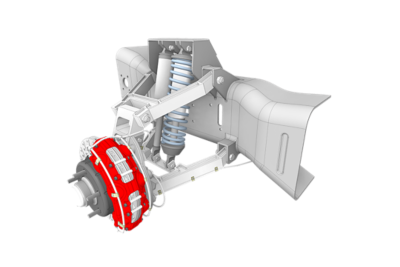
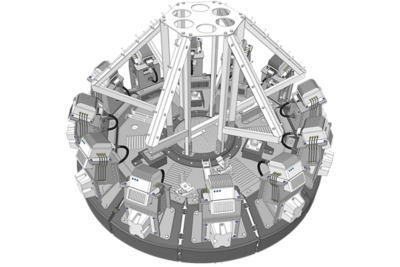
Daniel Zatz has logged 25 years soaring across Alaska in a helicopter while filming for National Geographic, BBC and Discovery Channel. As camera technology improved to 6k-8k resolution on airborne cameras, Zatz's team needed stabilization equipment that could match the new resolutions. Using SpaceClaim — after discovering a low-cost CAD tool was inefficient — allowed Zatz to design more concepts in less time, all while making continuous design modifications void of sluggish CAD theory. SpaceClaim's engineering solution gave Zatz's team the ability to nimbly adapt their state-of-the-art equipment used to capture Alaska's stunning nature.
SPACECLAIM CAPABILITIES
Ansys SpaceClaim lets engineers easily leverage 3D modeling to explore ideas and solve problems. 3D models can be simplified for analysis in a fraction of the time it takes with traditional CAD. From reverse engineering to model prep for sheet metal manufacturing, easy-to-use SpaceClaim software streamlines the model creation process.
Simplify and accelerate model creation with a range of SpaceClaim modeling software capabilities:
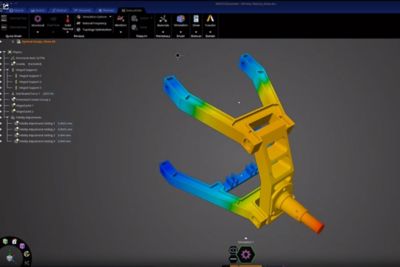
Let the power of SpaceClaim streamline workflows to reduce model pre-processing time from weeks or days to hours or minutes, all while eliminating the need to outsource CAD modifications. Whether you're modifying existing geometry or creating simplified representations, SpaceClaim eliminates geometry bottlenecks to let engineers focus on physics. Simulation-driven product development allows parameterizing of any model and includes bidirectional linkage to Ansys Workbench for seamless integration of geometry. This allows for fast, bottleneck-free answers in 3D.
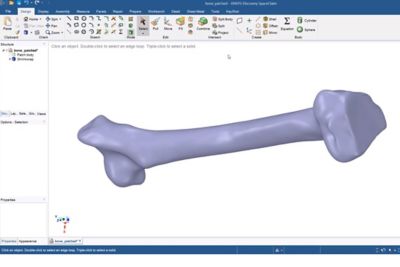
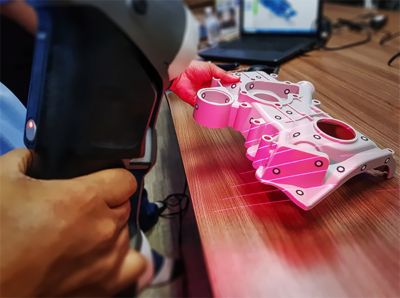
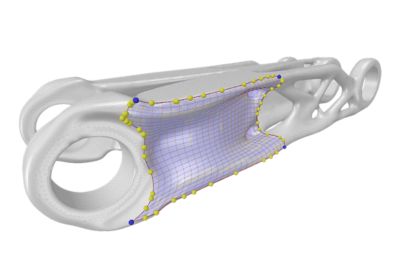
Power, ease and flexibility combine to make SpaceClaim a reverse engineering tool that, regardless of scan integrity, can take any STL file and covert it to CAD format. Skin Surface offers a powerful method for autosurfacing solid geometry from prismatic or organic shapes, enabling you to reconstruct surface data around scans of complex shapes, including living organisms.
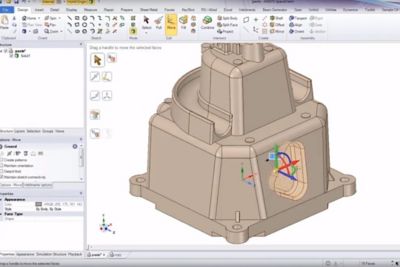
Design the way you think. SpaceClaim’s fully functioning CAD tool is powerful enough for rapid concept modeling but simple enough to create detailed parts, assemblies and drawings. A simple 2D-to-3D-geometry conversion tool streamlines the work process, using common workflows to generate 3D-ready data from a variety of file types. Let the software free you to focus on creativity, ideas and productivity.
The flexibility enjoyed in SpaceClaim reduces the challenges of prepping models for manufacturing. Open, edit and prepare parts from any CAD system while easily converting multiple file types into 3D data for next-step machining. The automated repair tools can turn corrupt or incomplete data into usable surfaces or solids, letting engineers focus on toolpath creation. SpaceClaim will automatically heal disjointed surfaces and repair holes and gaps. Rapidly extract geometry for fixturing or tooling of any objects, all while integrating and leveraging partnerships with other libraries and systems.
SpaceClaim gives engineers the flexibility to work with any CAD data to create, edit and prepare models for high-precision sheet metal fabrication. No other tool is easier to use and does a better job editing geometry, cleaning up corrupt or difficult CAD data and delivering high-quality sheet metal functionality. You can automatically unfold virtually any sheet metal parts and export them while simultaneously viewing and editing folded and unfolded models. In SpaceClaim, you can adjust thickness, bend allowance and material properties on any model and customize a form library along the way. With live design feedback, optimization is made simple.
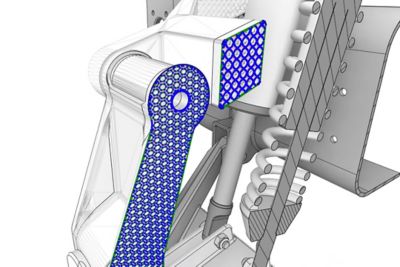
Speed up your 3D printing with SpaceClaim. The STL prep module — a faceted data toolkit — lets you work directly with STL files, as well as a bounty of automated prep tools to repair a file and get it ready for a printable model, all regardless of imperfections. Edit a collection of facets to alter the form, giving you freedom for rapid changes. Optimization tools smooth and reduce noise to balance the strength and weight ratio while minimizing material consumption. The analytical tools help ensure your model has adequate wall thickness and critical-area protection to efficiently and confidently create.
SPACECLAIM RESOURCES & EVENTS
This webinar provides a deep dive into SpaceClaim’s exclusive and highly unique combination of direct modeling, history modeling and faceted modeling.

In this webinar series, we will highlight how you can leverage SpaceClaim for identifying and addressing costly CAD challenges that can delay manufacturing.
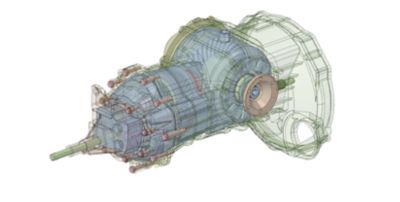
Learn how geometry modeling updates in Ansys 2021 R2 will help you quickly prepare models for simulation.